
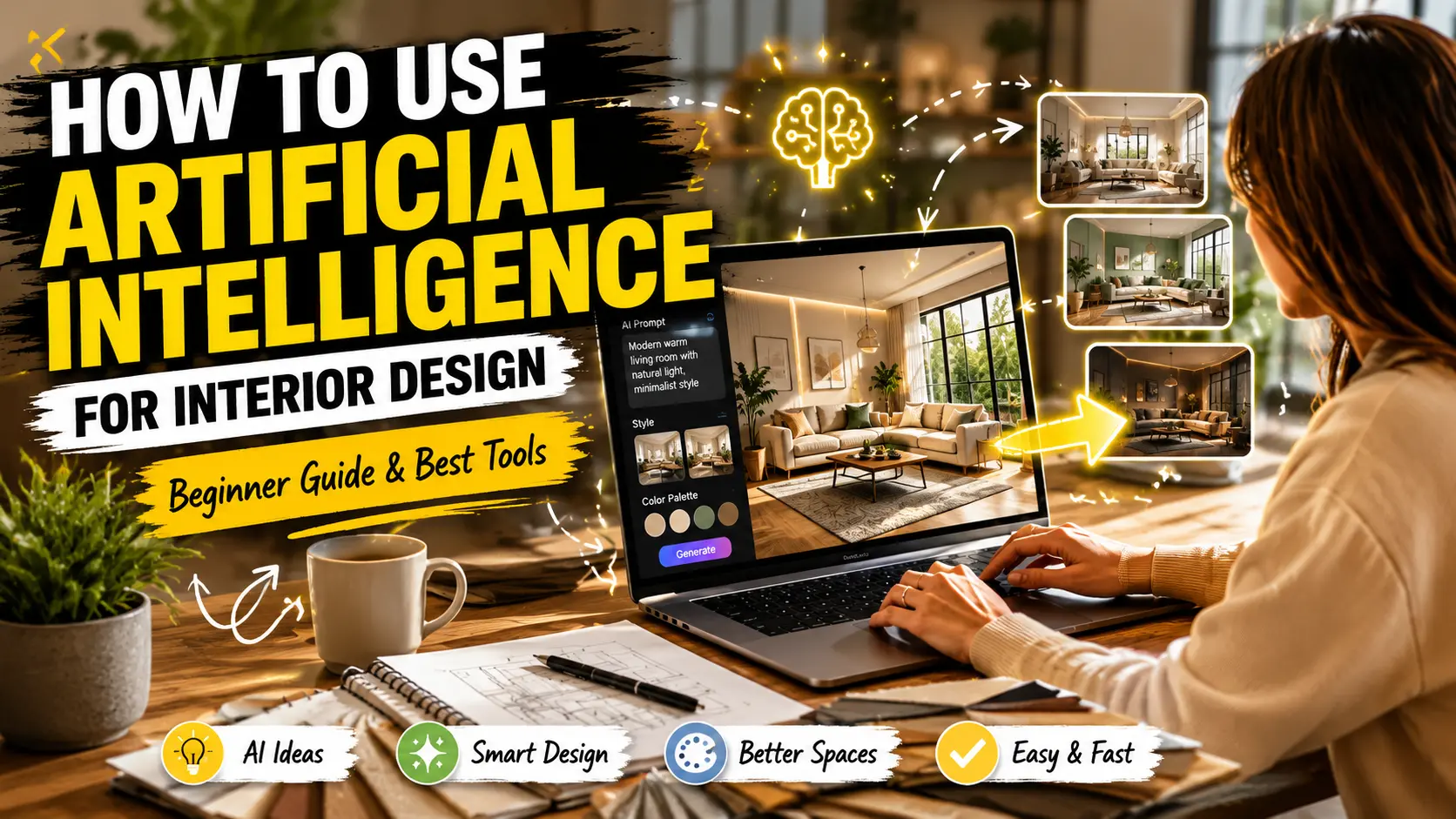
A few years ago, if someone wanted to redesign their home, the process usually started with Pinterest screenshots, furniture confusion, expensive consultations, and a lot of second-guessing.
Now things are changing fast.
People are using Artificial Intelligence to redesign bedrooms, visualize kitchens, test furniture layouts, and even plan complete home makeovers without touching a single wall first.
What is surprising is that many beginners in the USA are now using AI interior design tools better than some professionals who used traditional planning software a few years back.
And honestly, it makes sense. Most people do not struggle because they lack creativity. They struggle because they cannot visualize the final result.
That is exactly where AI helps.
What Does Artificial Intelligence Actually Do in Interior Design?
Artificial Intelligence in design really helps people turn rough ideas into visual room concepts. You can upload a picture of a room and pick a style that you like. The software will generate new versions of that room. For example:
- furniture placement
- wall colors
- lighting combinations
- decor styles
- storage optimization
- space-saving layouts
My First Real Experience Using AI for Interior Design
The first time I seriously tested an AI interior design tool was while helping redesign a compact apartment workspace.
The room was not terrible. It just felt mentally exhausting. The desk placement blocked natural light. The shelves made the room feel heavy. Nothing looked connected.
Normally, this would take hours of manual planning. Instead, I uploaded the room photo into an AI design platform just to experiment. Within minutes, the tool suggested:
- shifting the desk toward the window
- replacing dark storage tones with lighter textures
- creating vertical storage instead of wide shelving
Honestly, the suggestions were unexpectedly practical. Not perfect. But practical. That is when I realized something important:
Artificial Intelligence is not replacing creativity in interior design. It is helping people make faster visual decisions with less confusion.
Why Are AI Interior Design Tools Growing So Fast in the USA?
Interior renovation costs in the USA are already high. Even a small living room redesign can become expensive if someone makes poor decisions early. People, like homeowners, renters, and also real estate agents and Airbnb hosts, are trying out AI room design tools.
The appeal is obvious:
- faster planning
- lower risk
- visual clarity
- less trial and error
For beginners, especially, AI removes the intimidation factor from interior design. You no longer need professional software knowledge just to test ideas.
Best AI Interior Design Tools for Beginners
Not every AI design tool works the same way. Some are better for quick inspiration, while others are built for professional-level visualization.
Here are some beginner-friendly options currently popular in the USA.
| AI Interior Design Tool | Availability | Total Downloads | Best For |
|---|---|---|---|
| Design Home | Website, App Store, Play Store | 50M+ | Home decor inspiration and furniture styling |
| Planner 5D | Website, App Store, Play Store | 50M+ | 2D and 3D home planning for beginners |
| Home AI Interior Design | Website, App Store, Play Store | 10M+ | Instant AI-generated room makeovers |
| Home Planner AI | Website, App Store, Play Store | 10M+ | Smart floor planning and room layouts |
| Homestyler | Website, App Store, Play Store | 10M+ | Realistic 3D interior visualization |
| Houzz | Website, App Store, Play Store | 10M+ | Renovation ideas and professional inspiration |
| Magicplan | Website, App Store, Play Store | 10M+ | Creating floor plans using room scans |
| Redecor | Website, App Store, Play Store | 10M+ | Creative room styling and decor practice |
| Floorplancreator | Website, Play Store | 10M+ | Accurate floor plan creation for homes, offices, and apartments |
| Remodel AI | Website, App Store, Play Store | 1M+ | AI-powered remodeling and renovation concepts |
| HomeByMe | Website, App Store, Play Store | 1M+ | Detailed home visualization and planning |
| AI Remodel | App Store, Play Store | 1M+ | AI interior remodeling and quick home makeover concepts |
| RoomSketcher | Website, App Store, Play Store | 500K+ | Detailed floor plans, home design projects, and professional room layouts |
| Coohom | Website, App Store, Play Store | 500K+ | Fast 3D rendering, kitchen design, and commercial interior projects |
| Live Home 3D | Website, App Store, Play Store | 500K+ | Advanced house modeling and realistic architectural visualization |
| Sweet Home 3D | Website, App Store, Play Store | 500K+ | Free open-source home design and furniture arrangement planning |
| RoomGPT | Website, App Store, Play Store | 100K+ | AI room makeover ideas from uploaded room photos |
| DecorMatters | Website, App Store, Play Store | 50K+ | AR-based interior decoration and social home design community |
| Havenly | Website, App Store | — | Online interior design consultation with real designers |
| Morpholio Board | Website, App Store | — | Mood boards, interior presentations, and professional design concepts |
Some free versions work surprisingly well for beginners before upgrading to paid plans.
How Can Beginners Start Using AI For Interior Design?
Most people overcomplicate this part. You do not need a luxury home or professional design experience to start.
Step 1: Take a Clear Photo of Your Room
Good lighting matters. Try capturing:
- the entire room angle
- Furniture placement
- Wall visibility
- Natural lighting direction
Poor images usually confuse AI tools.
Step 2: Choose a Design Style
This is where most people get stuck. Instead of choosing random trends, focus on how you want the room to feel.
For example:
- Minimalist feels cleaner and calmer
- Scandinavian feels brighter and softer
- Industrial feels bold and raw
- Contemporary feels polished and modern
The emotional feel matters more than copying internet trends.
Step 3: Test Multiple Layouts
One thing AI tools do very well is help people understand space flow. A room can contain beautiful furniture and still feel uncomfortable.
Sometimes moving a sofa two feet changes the entire room’s energy. AI tools help visualize this instantly without physically moving heavy furniture again and again.
Step 4: Experiment Before Spending Money
This is honestly where AI saves people the most money. Many homeowners buy furniture emotionally. Then later realize:
- The color clashes
- The room looks smaller
- movement feels restricted
- Lighting feels uneven
AI tools reduce these mistakes because you preview ideas first. That alone makes the technology valuable.
Where AI Still Struggles?
Despite all the hype, AI interior design tools are not magical. Sometimes they:
- generate unrealistic furniture proportions
- misunderstand room depth
- overdesign small spaces
- create impractical decor concepts
And this is important to understand: Beautiful visualization does not always mean functional living. Real interior designers still understand human lifestyle behavior better than software.
For example, a family with children lives differently from a single remote worker. AI does not fully understand emotional living patterns yet. Humans still matter in design decisions.
Is Artificial Intelligence Replacing Interior Designers?
Not really. What is actually happening is more interesting. Interior designers are starting to use AI as a support system. Instead of spending hours building early concepts manually, many designers now use AI for:
- idea generation
- faster presentations
- mood board creation
- client visualization
The human side of interior design still matters deeply:
- emotional understanding
- lifestyle planning
- material selection
- comfort psychology
- real-world practicality
AI speeds up workflow. It does not replace lived human experience.
Final Thoughts
Artificial Intelligence is making interior design more accessible than it has ever been before. Beginners who once felt overwhelmed can now visualize ideas within minutes. Homeowners can experiment before spending money. Designers can work faster without sacrificing creativity.
But the smartest way to use AI is not blindly trusting every generated image. Use it as a planning partner. Test ideas. Explore layouts. Understand space better. Then combine those insights with practical thinking and personal taste.
Because at the end of the day, good interior design is not only about making a room look beautiful. It is about making a space feel right when someone actually lives in it.